
Most meeting advice sounds obvious. Mute yourself. Turn your camera on. Don't eat on screen. And yet, after six years of remote work, the average team still wastes a third of its meeting time on preventable problems. Not because people don't care, but because nobody ever laid out the actual rules in one place.
This guide is the result of hundreds of meetings we've run, observed, and built tools around at Convo. Twenty-five rules, organized by when they apply: before, during, and after the call. Some are obvious. Most aren't followed. All of them compound.
PART I
Before the Meeting
What you do in the five minutes before determines whether the next thirty are productive or pointless.
Send an agenda — or cancel the meeting
No agenda, no meeting. Full stop. If you can't write down what needs to be discussed and what decisions need to be made, you don't need a meeting — you need a Slack message.
Share it at least 24 hours in advance. Include specific topics, time allocations, and what you need from each person. Our guide on how to prepare for a meeting covers exactly how to structure this. And here's what nobody tells you: most people won't say your meeting was pointless. They'll just silently resent you for it.
Meetings without agendas waste 30% more time (FlowTrace)
Test your tech (yes, every time)
"Can everyone hear me? Is my screen sharing? Hello?" — We've all been that person. 77% of workers have lost meeting time to technical problems. Your IT team didn't build the "test audio" feature for decoration.
Check your mic, camera, and internet five minutes before the call. We have setup guides for Zoom, Google Meet, and Teams. A 60-second tech check saves the whole group from a 5-minute fumble.
77% of workers have lost meeting time to technical problems (Notta)
Pick your background wisely
Your background says something about you whether you want it to or not. The pile of laundry. The college poster. The unmade bed that makes everyone quietly evaluate your life choices.
Best option: a clean, real background with good lighting. Second best: a professional blur or simple virtual background. Worst: that beach scene that makes you look like a floating head on vacation. Save novelty backgrounds for casual team calls, not client meetings.
Dress for the meeting type
Yes, you can work in sweatpants. No, you shouldn't show them on camera during a client presentation. Match your attire to the stakes: casual for team syncs, polished for external calls.
Pro tip: keep a "meeting shirt" nearby for unexpected calls. The five seconds it takes to throw it on is worth it.

Business on top, mystery on the bottom.
Show up early
Join 2-3 minutes early for internal meetings, 5 minutes for external calls. Use this time to check your setup, skim the agenda, and mentally switch gears.
Joining late disrupts the meeting and signals your time matters more than everyone else's. If you're going to be late, message before the start time — not five minutes in, when everyone's already noticed.
Review what happened last time
Nothing kills momentum like "Wait, what did we decide last week?" Skim the previous meeting notes before joining. What was assigned? What's pending? Who was blocked?
Two minutes reviewing old notes before a call changes everything. Tools like Convo surface your previous meeting context automatically, so you walk in knowing the full picture.
"The meeting that should have been an email" isn't just a meme — it's a $37 billion annual productivity loss.
PART II
During the Meeting
This is where most etiquette crimes happen — and where most people think they're doing fine.
Mute yourself. Seriously.
The #1 rule of virtual meetings and somehow still the most violated. Your dog barking. Your mechanical keyboard clacking. The construction crew outside. Everyone can hear it. Everyone.
Stay muted by default. Unmute to speak. Re-mute when done. Spacebar-to-talk in Zoom is your best friend — hold it while you talk, release to auto-mute.
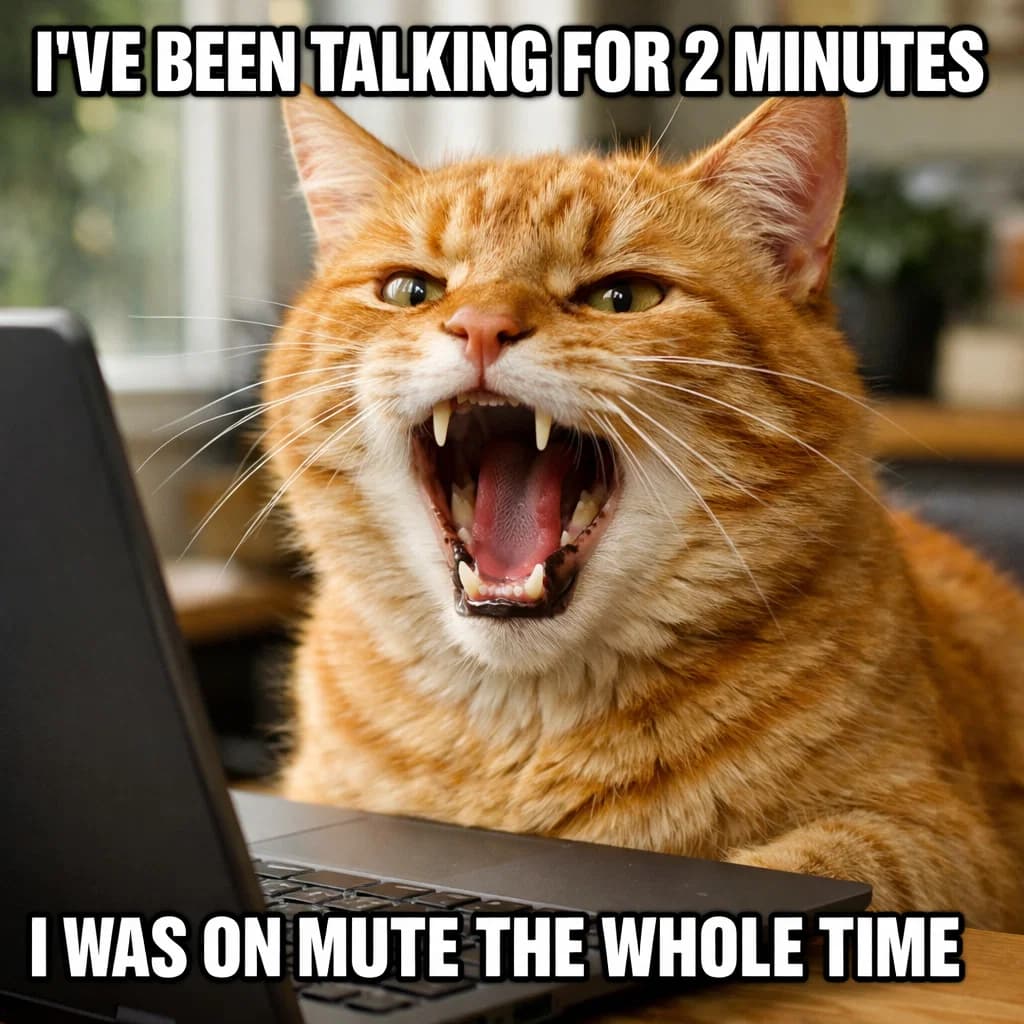
This happens to everyone. Yes, even you.
Keep your camera on (usually)
When your camera is off, you're asking people to read your tone without facial expressions, gestures, or eye contact. Research suggests 58% of communication is nonverbal — and conversation analytics confirm that camera-on meetings have higher engagement scores.
Camera on for small meetings (under 10 people). Camera optional for large all-hands and presentations. If you're having a rough day, that's fine — but say so. A quick "camera off today, long night" is all it takes.
58% of communication is nonverbal (Mehrabian)
Don't interrupt — the lag makes it worse
In person, you can read the room and jump in at natural pauses. On video, there's a 0.5-2 second delay. So when you think you're jumping in at the right moment, you're actually talking over someone mid-sentence.
Use the raise hand feature. Wait 2-3 seconds after someone finishes. Or drop a quick "I have a thought" in the chat.
No multitasking — we can tell
The slightly-too-long pause before answering. The eyes scanning left to right (that's email, not the presentation). The classic "Sorry, can you repeat that?" We can always tell.
Close Slack. Close email. If the meeting isn't worth your full attention, you probably shouldn't be in it.
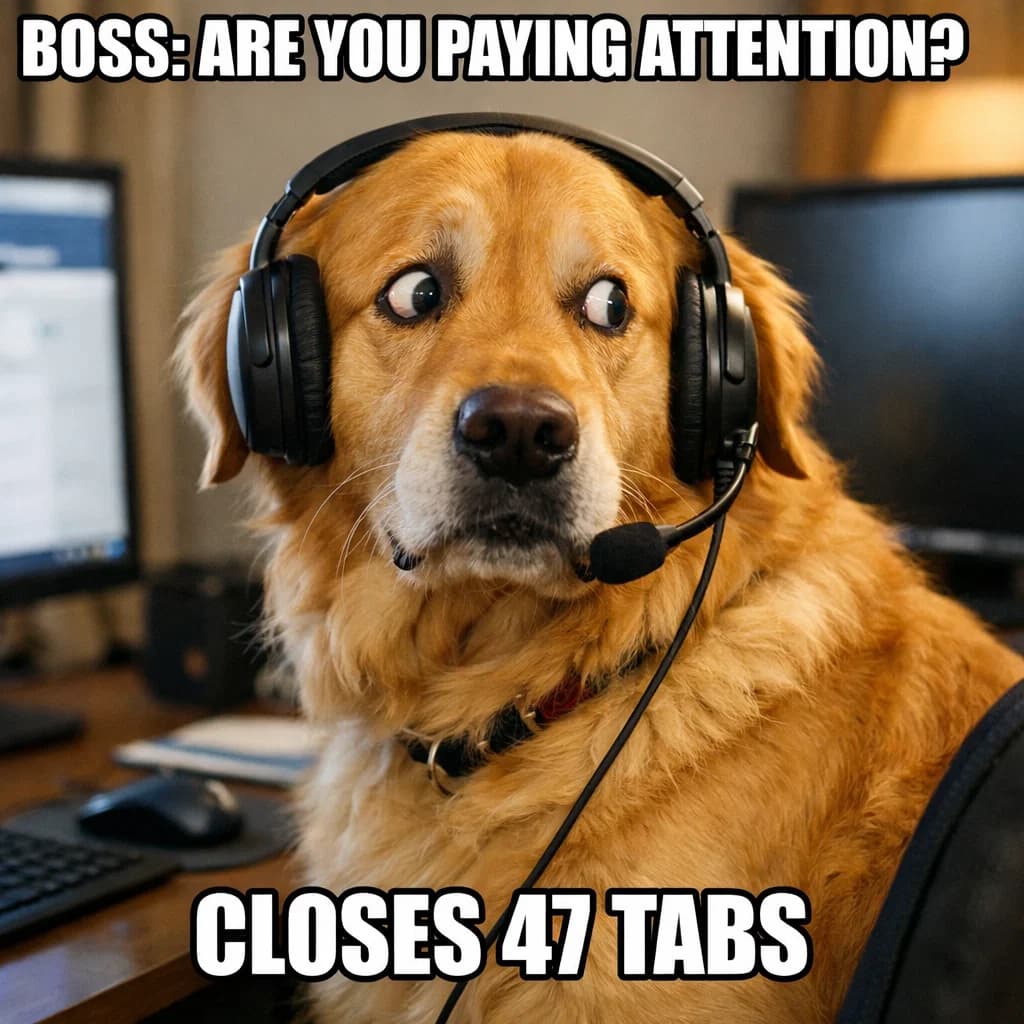
We can see your eyes moving.
Look at the camera, not the screen
Here's a weird truth about video calls: to make "eye contact," you have to look at the camera lens, not at the other person's face on screen. Looking at the screen makes it seem like you're staring slightly down or to the side.
It feels unnatural. Do it anyway — especially when you're speaking. Position your meeting window right below your camera to make it easier.
Don't eat on camera
This should go without saying, but here we are. Snacking during a meeting is distracting at best and disgusting at worst. The sounds. The chewing. The crumbs.
If your meeting runs through lunch, grab a snack before or after. If you absolutely must eat, turn your camera off and mute.
Use the chat wisely
The chat is powerful when used well: drop links, share relevant context, signal you have something to add without interrupting.
The chat is a disaster when used poorly: side conversations that fragment attention, inside jokes that exclude people, or worse — talking about someone who's in the meeting.
Take breaks in long meetings
Human attention maxes out around 52 minutes. After that, you're just performing productivity. For meetings over an hour, schedule a 5-10 minute break. People will come back sharper. Getting the right meeting cadence helps prevent marathon sessions in the first place.
A meeting is a conversation, not a performance. The goal is decisions and alignment, not perfect presentation.
PART III
After the Meeting
Where decisions die if you don't capture them.
Send a summary within 24 hours
No summary = the meeting didn't happen. Within a day, write up what was decided, what actions were assigned, and who's responsible for each. Our meeting minutes guide has templates for every meeting type.
Tools like Convo generate these automatically. If you're doing it manually, keep it brief: decisions, action items, next meeting date. That's it.
Every action item needs an owner and a deadline
"We should follow up on that" is not an action item. "Sarah will send the proposal by Friday" is. If something doesn't have a name and date attached, it won't happen. Automated meeting minutes extract these with owners and deadlines built in.
Don't schedule follow-ups by default
Before booking the next meeting, ask: do we actually need one? Sometimes a Slack thread or shared doc is enough. The best meeting is often the one that doesn't happen.
PART IV
Special Situations
The rules change for hybrid meetings, AI tools, and inclusive practices.
Hybrid meeting etiquette
Hybrid meetings are the hardest to get right. Remote participants often feel like second-class citizens while the in-room group has side conversations they can't hear.
Solutions: put everyone on video (even in-room participants), use a dedicated facilitator to include remote voices, and check in with remote participants explicitly.
AI meeting assistant etiquette
If your AI tool joins the meeting as a visible bot, you must disclose it and get consent from all participants. The legal requirements for recording vary by state and country.
However, tools that run locally on your device without joining the call — like Convo for macOS — operate as personal productivity aids and don't require disclosure, similar to taking notes on paper.
Make meetings inclusive
Share the agenda in advance so introverts can prepare. Start with a quick icebreaker question to warm up quieter participants. Allow chat-based participation as a valid alternative to speaking. Offer camera-off options without stigma. Rotate meeting times for global teams.
Create explicit moments for quieter members to contribute rather than relying on people to interrupt. Good facilitation is accessibility.
Time zone respect
If you're scheduling across time zones, rotate who gets the bad slot. Always include the time zone in the invite. And if someone's joining at midnight their time, acknowledge it.
PART V
The Meta Rules
The rules about meetings themselves.
Default to 25 or 50 minutes
Parkinson's Law: work expands to fill the time allotted. Set meetings for 25 or 50 minutes instead of 30 or 60. The built-in buffer prevents back-to-backs from bleeding into each other. Curious what those extra 5 minutes cost? Try our meeting cost calculator.
Fewer people = better meeting
Every person you add to a meeting decreases its effectiveness. Before inviting someone, ask: do they need to be there for decisions, or can they read the notes after?
Recurring meetings need audits
That weekly sync you scheduled six months ago? Review it quarterly. Is it still necessary? Could it be shorter? Less frequent? Async instead? Use our meeting time audit to find out. Getting the right cadence means killing zombie meetings before they kill your calendar.
Ask: should this be a meeting at all?
A meeting should be an email when it's purely informational, when it requires input from only 1-2 people, or when there's no clear agenda. If you can't articulate what decision needs to be made or what discussion needs to happen live, it should probably be an email. Not sure? Try our free Should This Be a Meeting? decision tool.
The goal isn't more meetings. It's better outcomes with less time in meetings.
FREQUENTLY ASKED QUESTIONS
Sources & References
- Notta - 100+ Meeting Statistics 2026
- FlowTrace - Meeting Statistics & Workplace Collaboration Data
- Harvard Business Review - Making Virtual Meetings More Inclusive
- Zoom - Video Meeting Etiquette Tips
- Microsoft - Best Practices for Teams Meetings